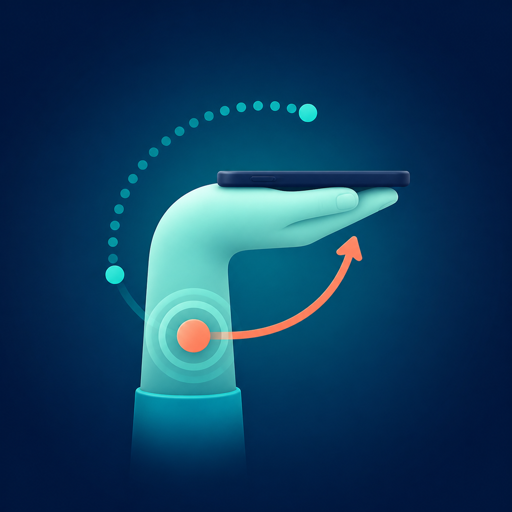
Three seconds to calibrate
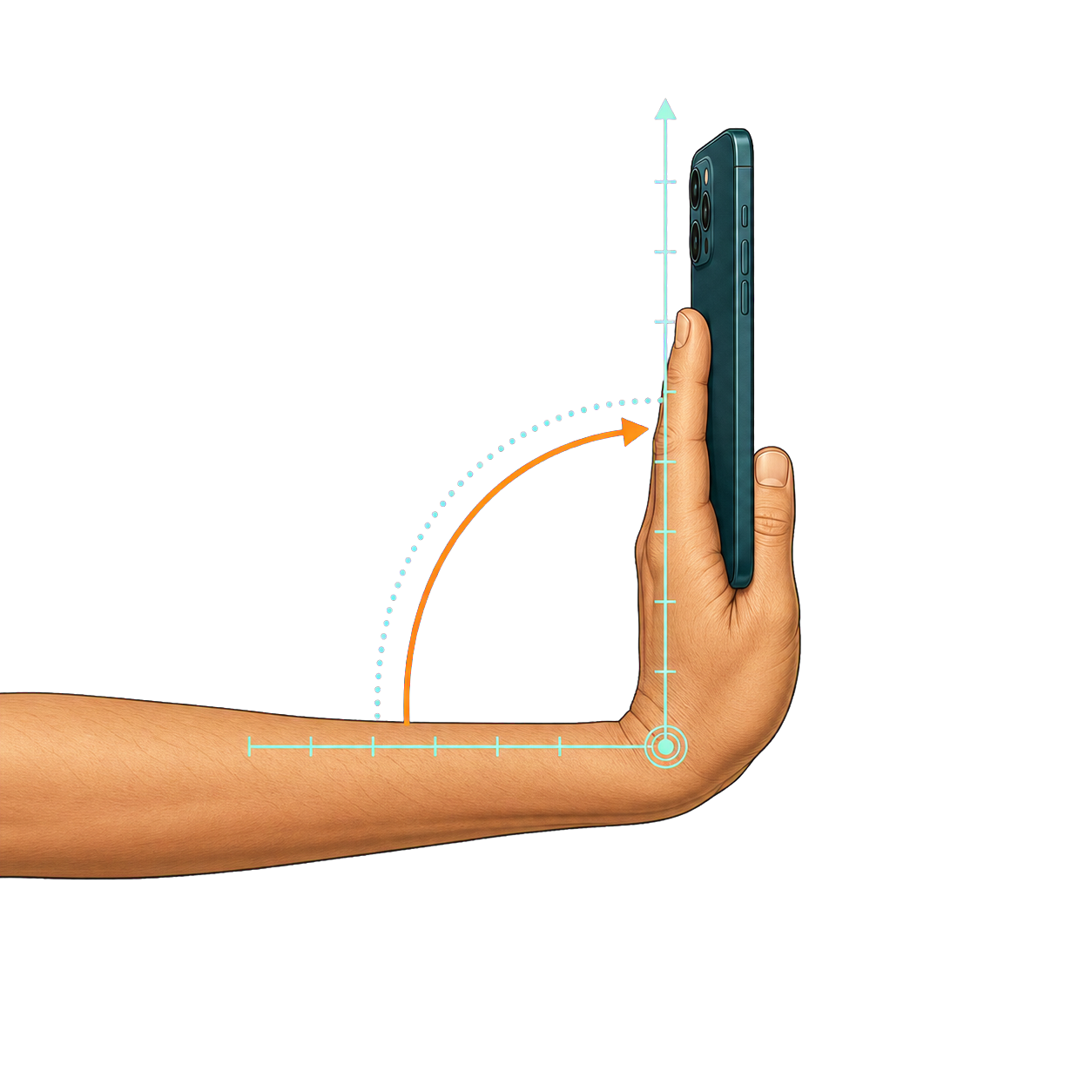
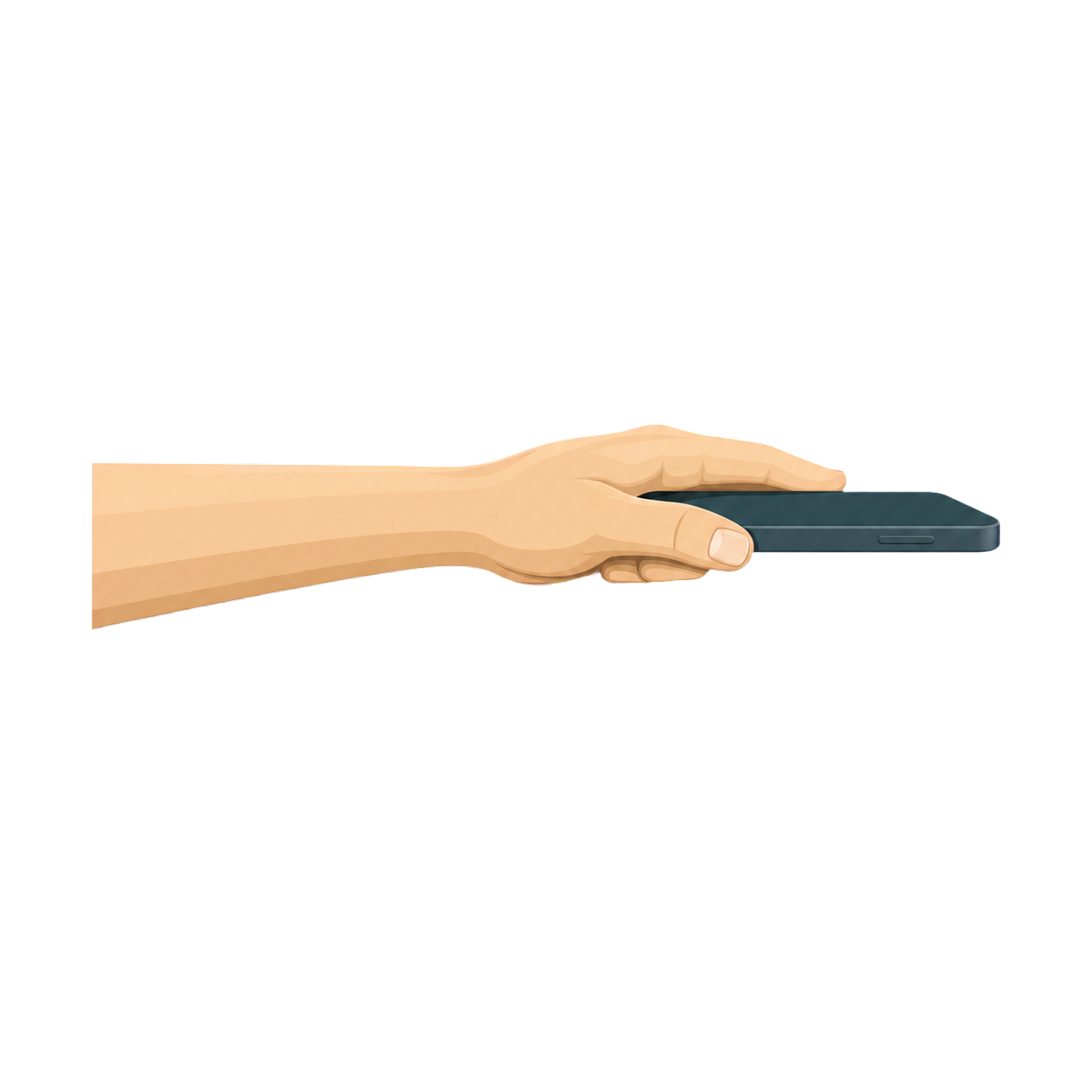
Keep your forearm level while the app finds a neutral position before counting relative angle.
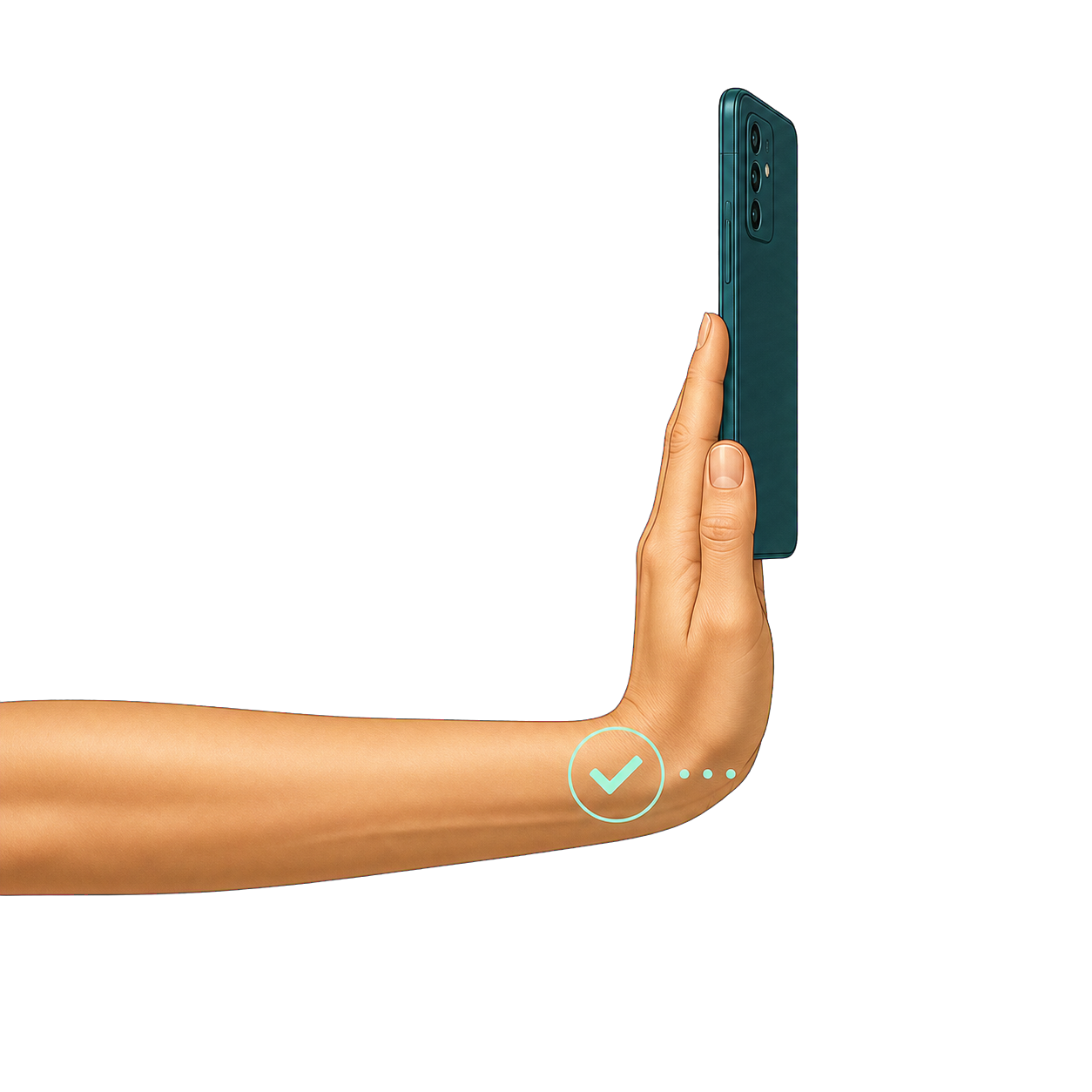
Hold your phone sideways, calibrate a neutral position, and count extension and flexion with calm, immediate feedback.
On-device processing · raw sensor samples never uploaded · no login for core training
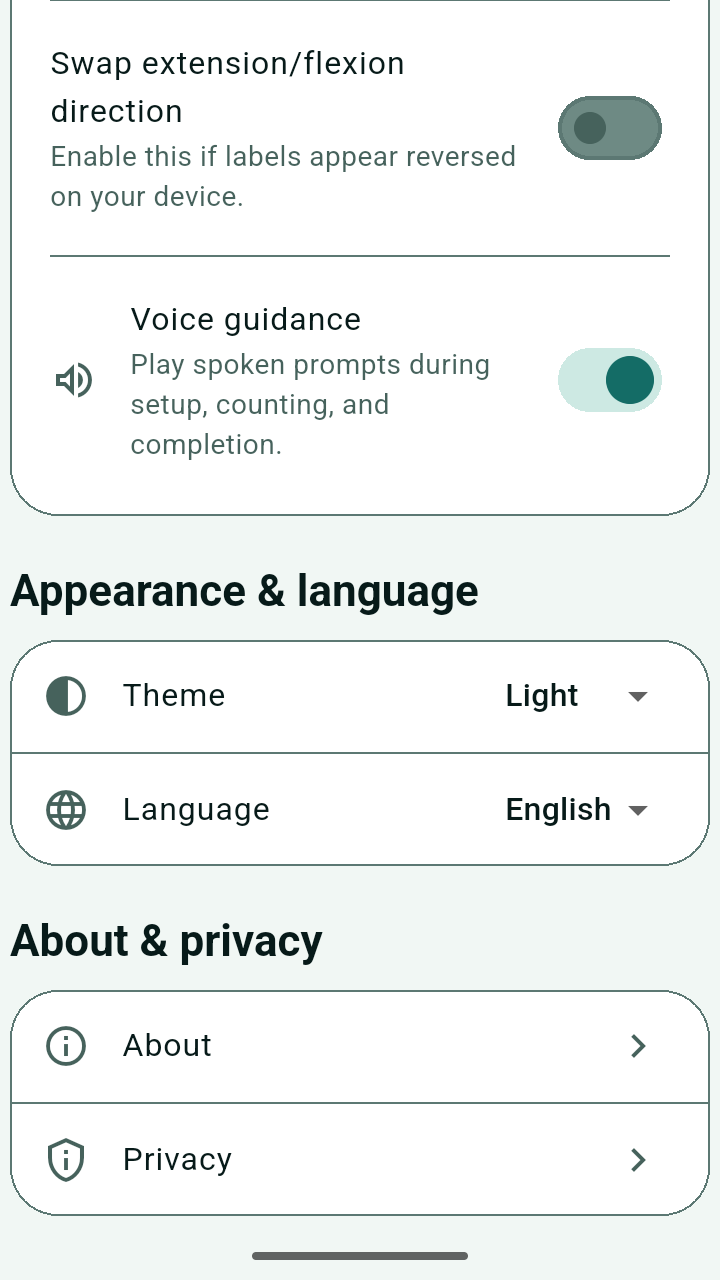
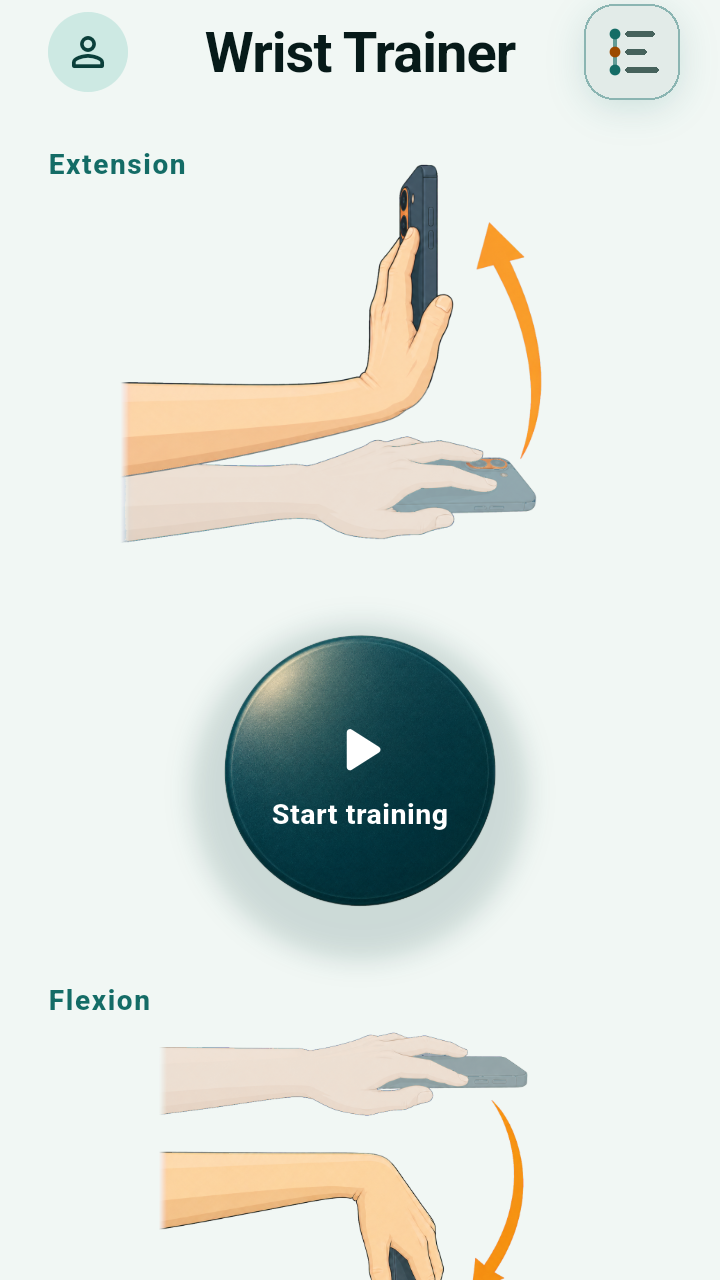
Focus on the session
From setup and calibration to saving, every step is designed to make the next action obvious.
Keep your forearm level while the app finds a neutral position before counting relative angle.
Raw accelerometer and gyroscope samples are processed in memory during training, not sent to the cloud.
Extension and flexion are counted separately, then saved as a local session summary you can revisit.
From start to save
A simple entry point, a clear target, and safe stop conditions keep every screen focused on training.
From training to consistency
Offline training is the default. Accounts and membership are optional, with a clear boundary around what needs a sign-in.
Calibration, counting, feedback, saving, and basic history do not depend on an account or connection.
Extension and flexion have separate counts and a neutral return rule to avoid threshold jitter.
Core training never waits for a login. Sign-in establishes identity; purchases and entitlements are verified separately.
Chinese and English, light and dark themes, plus system appearance in a fixed portrait interface.
Three steps
No wearable and no repeated screen controls during the movement.
Screen facing down, forearm level, with the phone and wrist moving in the same plane.
Calibration confirms a stable position; fast movement or an off-axis pose restarts the progress.
Reach the target, return to neutral to unlock the next count, then save the session summary when you finish.
This estimates phone posture, not a clinical joint angle. Stop and seek professional advice if you feel pain, numbness, swelling, or discomfort.
Before you start
Grip, counting, privacy, and account boundaries in plain language.
Hold it sideways with the screen facing down and your forearm level for three seconds. The interface stays portrait while you train.
Raw accelerometer and gyroscope samples are processed in device memory and are not saved or uploaded. Session summaries and settings stay local. Read the privacy policy.
After extension or flexion reaches the target, the phone must return to the neutral zone before the next count unlocks. Threshold jitter does not keep adding reps.
No. Core training, settings, history, and local deletion work without an account or network. Accounts are for identity, membership ownership, and purchase recovery.
No. Wrist Trainer is not a medical device and does not diagnose, treat, or judge recovery. Its angle is a phone-posture estimate, not a clinical joint measurement.
For privacy, product, or usage questions, email mhgd3250905@gmail.com.