Set up
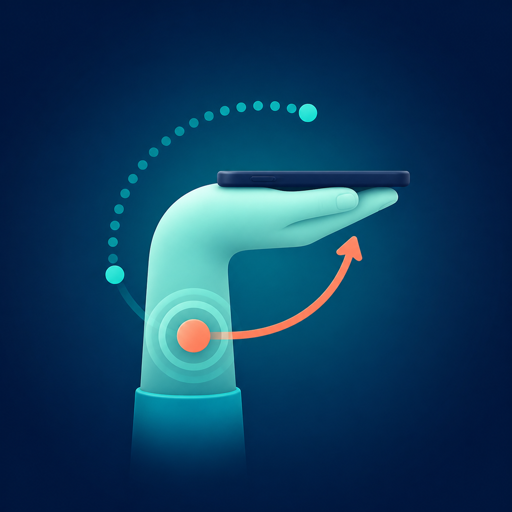
How should you place the phone?
Wrist Trainer reads the phone's relative posture. Set up the phone, forearm, and movement plane first so the session has a clear starting point.
Remember these three
Sideways, screen down, forearm level.
01Hold it sideways
Use the long axis of the phone so the wrist movement stays in the intended training plane.
02Face the screen down
You do not need to watch the screen continuously; use the feedback and automatic stop.
03Keep the forearm level
A stable starting posture helps the app reject off-axis samples and count consistently.
Before you start
Make the setup repeatable.
Starting from the same posture matters more than chasing a perfect-looking angle.
- Find a stable grip. Adjust before training instead of correcting a loose hold mid-session.
- Screen down, forearm level. The app stays portrait while the phone is held sideways.
- Start and stay still for three seconds. Interrupted progress starts again.
- Move slowly and return to neutral. The next count unlocks after the neutral zone.